IT and Security Checklist for Houston Recycling and Waste Companies
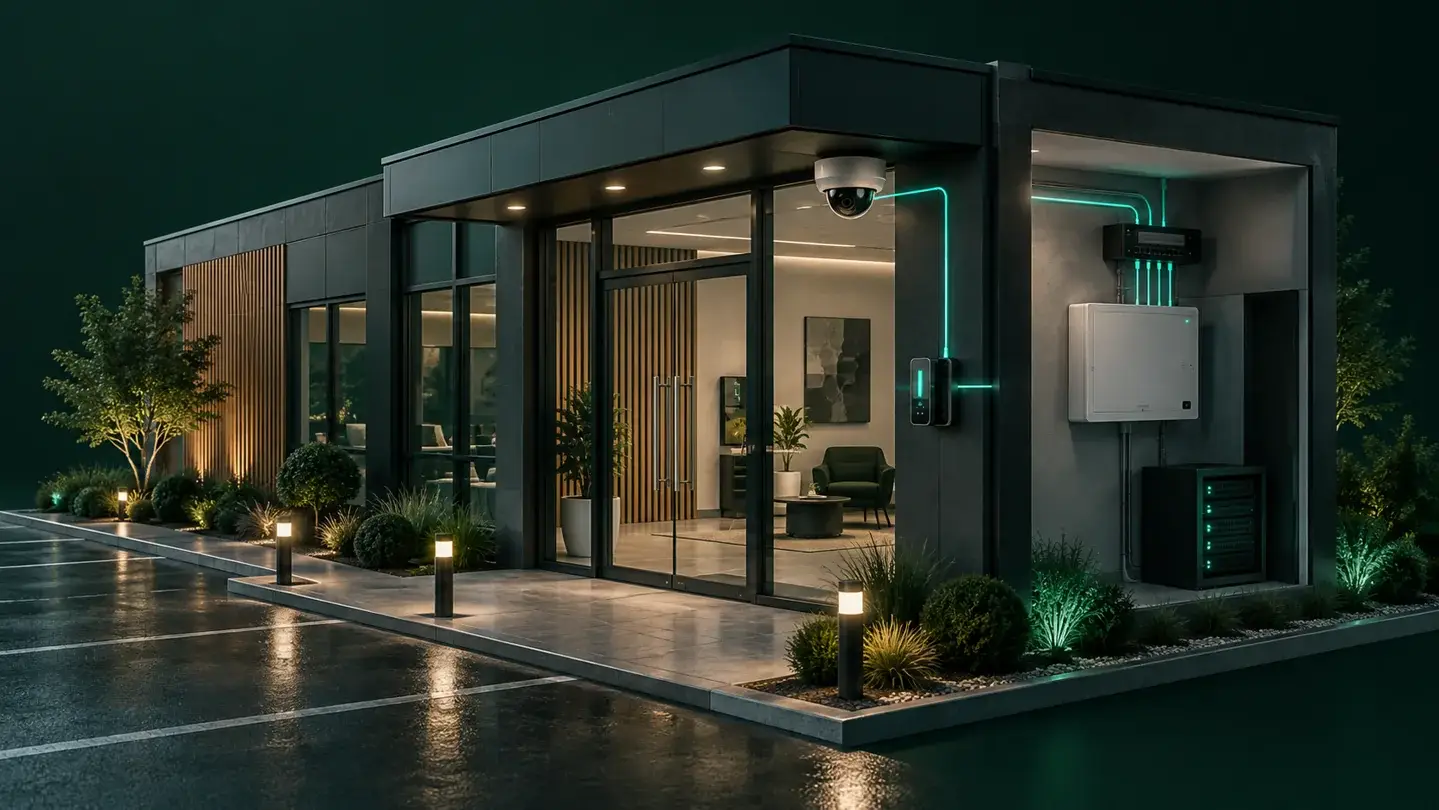
Recycling processors, haulers, transfer stations and scrap yards depend on more technology than most people expect. The scale house prints tickets, dispatch tracks trucks, the office runs billing and banking, and cameras watch the gate and the piles. When one of those systems goes down, trucks back up at the scale and money stops moving.
This checklist covers the IT, network and security basics we look at first when we review a yard or plant in Greater Houston. Use it to spot gaps before they turn into downtime, theft or a payment-fraud loss.
1. Keep the Scale House Connected
The scale house is usually the weakest link: a long cable run, a consumer router, or a wireless link that drops in the rain.
- Map every device that touches a ticket: scale indicator, ticket printer, card terminal, kiosk and the PC running your scale or ticketing software.
- Replace long, damaged or buried consumer cable with properly rated runs, or use a point-to-point wireless bridge where trenching is not practical.
- Put a small managed switch and battery backup in the scale house so a short power blip does not reboot everything mid-ticket.
- Write down who to call for the scale itself versus the network. Scale calibration belongs to your scale vendor; the network path belongs to your IT provider.
2. Cover the Gate, Scales and Storage Areas With Cameras
Good camera coverage helps with theft, disputed loads, safety incidents and insurance claims.
- Cover the entrance and exit gates, both ends of the scale, the tipping floor and high-value storage such as copper or catalytic converters.
- Use outdoor-rated cameras with night performance suited to your lighting, and plan retention around how long disputes usually take to surface.
- Limit who can view and export footage, and make sure owners can check the yard from a phone app.
- Pair cameras with gate and door access control so you can match a vehicle or person to an entry event.
See how we plan security cameras for warehouses and yards and access control.
3. Separate the Yard, Office and Guest Networks
A driver's phone, a vendor's laptop and your billing PC should not sit on the same network.
- Keep office computers, scale house equipment, cameras and guest Wi-Fi on separate network segments.
- Give vendors who support your scale or equipment their own approved remote access, not a shared password.
- Use a business firewall you can manage and update, not the internet provider's default router.
4. Manage Driver Phones and Tablets
Drivers and yard staff often use company phones or tablets for routing, photos, signatures and proof of service.
- Enroll them in mobile device management (for example Microsoft Intune) so updates, screen locks and approved apps are enforced.
- Make sure a lost or stolen device can be locked or wiped remotely.
- Remove access the same day someone leaves.
5. Protect Billing, Banking and Email
Industrial businesses are frequent targets of fake invoice and payment-change emails, because they pay many vendors and receive large payments.
- Turn on multifactor authentication (MFA) for email, banking, QuickBooks or your accounting system, and your routing or billing software wherever it is supported.
- Set up SPF, DKIM and DMARC on your email domain so criminals have a harder time sending email that looks like it came from you.
- Require a phone call to a known number before changing any vendor's bank details or sending an unusual wire.
- Give staff short security awareness training so they recognize payment-change scams.
6. Watch for Threats Around the Clock
Ransomware usually starts on one office PC. Endpoint detection and response (EDR) watched by a 24/7 security operations center can isolate that PC before the problem spreads to billing and dispatch.
7. Back Up What You Cannot Lose
- Back up ticket records, billing data, accounting files and Microsoft 365 or Google Workspace mailboxes.
- Keep at least one copy that ransomware cannot reach, and test a restore at least once a quarter.
8. Keep a One-Page Contact Sheet
List your internet provider, scale vendor, software vendors, IT provider and camera installer, with account numbers (not passwords) and support phone numbers. Post it in the office and the scale house.
Get a Yard and Office IT Review
MSP Pro Tech supports manufacturing, warehouse and recycling businesses across Greater Houston with monthly managed IT and cybersecurity, plus cameras, access control, cabling and yard Wi-Fi.
Request a free IT and security check or call (713) 325-0836. Please do not send passwords or access codes through the form.