Business Wi-Fi Problems: Coverage, Capacity & Guest Access
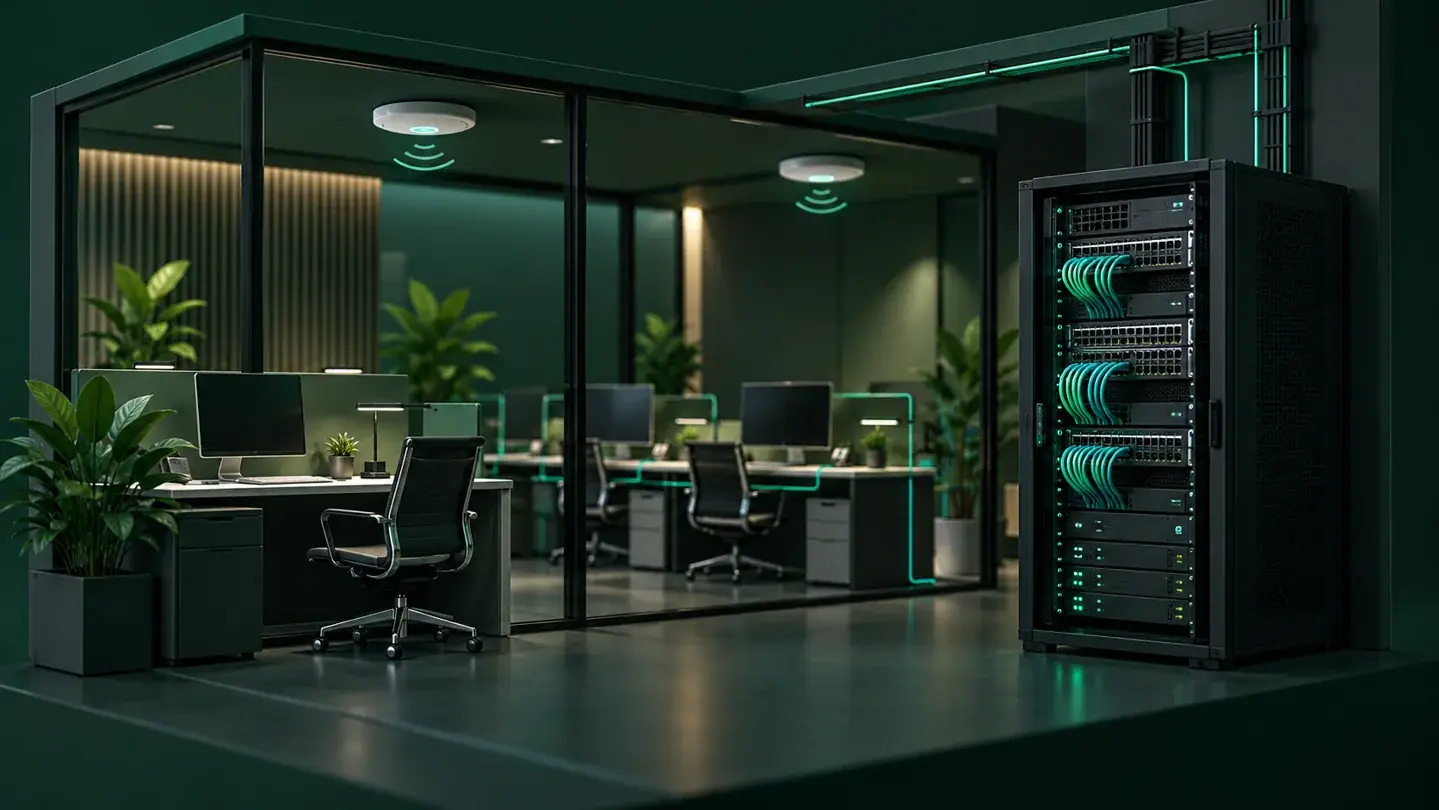
Slow business Wi-Fi can come from limited coverage, overloaded wireless capacity, interference, device problems or the internet connection. Diagnose where the delay starts before buying faster service or replacing equipment. Understanding coverage, capacity and guest access helps business owners and facility managers ask better questions about a managed network assessment.
Coverage vs. Capacity: Two Different Problems
Coverage is about distance and obstacles: does a Wi-Fi signal reach every room, warehouse bay, or exam room your team works in? Capacity is about how many devices and how much traffic a network can handle at once, even inside strong coverage. A business can have full signal strength in every corner of a building and still see Wi-Fi slow to a crawl at 9 a.m. when every laptop, phone, tablet and point-of-sale terminal reconnects at once.
These are solved differently. A coverage gap usually means a wireless signal isn't reaching an area, often due to floor plan size, building materials, or equipment placement. A capacity problem means the network reaches the area fine but runs out of room to serve every connected device. Replacing or relocating one access point without first diagnosing which problem exists can leave the original complaint in place.
Why a Faster Internet Plan May Not Fix Wi-Fi Problems
Upgrading an internet plan increases the speed of the connection to the outside world. It does not address weak signal coverage, overloaded access points or other constraints on the local network. If staff are competing for airtime on an overloaded access point, or sitting at the edge of a weak signal, a faster internet plan won't change that experience. It can even mask the real issue for a while, until device count or application use grows again.
Before increasing bandwidth, confirm where the slowdown happens: at the internet connection, or on the local wired and wireless network inside the building. That distinction changes what should be fixed first.
Wired Access Points: The Backbone of Reliable Wi-Fi
Access points need a dependable connection back to the network. Wired uplinks often provide predictable capacity; mesh or other wireless uplinks can be appropriate where cabling is impractical. The design should account for uplink capacity, power, placement and the building layout. Assess these together rather than assume every access point needs the same installation method.
When planning a new office, remodel or expansion, coordinate access-point locations and commercial structured cabling early. This helps align connectivity with the rooms, applications and devices your business will use.
Separating Staff, Guest and Device Traffic
Keeping staff devices, guest devices, and other equipment, like cameras or point-of-sale systems, on separate network segments limits how much one group of devices can see or affect another. This is commonly done with VLANs and dedicated guest networks, configured as part of the network design rather than added afterward.
A network named “Guest Wi-Fi” is not proof of isolation. Separate network names can still allow access to the same business systems. The FTC’s small-business cybersecurity guidance recommends keeping guest Wi-Fi separate from the business network. As part of your assessment, ask how access rules will be configured and how that separation will be tested. Segmentation can reduce unwanted access and limit an incident’s reach; it does not guarantee complete protection.
Access separation and bandwidth management solve different problems. VLANs and guest-access rules control which systems devices may reach. Limiting guest downloads or prioritizing business applications requires appropriate bandwidth and traffic-management policies. A separate guest network alone does not reserve capacity for staff.
What to Ask Before Booking a Managed Network Assessment
A network assessment should start with questions, not equipment recommendations. Before booking one, business owners and facility managers can reasonably ask a provider:- How will coverage and capacity actually be measured, rather than estimated from a floor plan alone?
- Which access points need wired uplinks, where might wireless uplinks be appropriate, and is cabling included in the scope?
- How will staff, guest and device traffic be separated, and how will that separation be tested after setup, not just configured and assumed to work?
- What happens to existing equipment that's still functional: is it reused, reconfigured, or replaced, and why?
- Who is responsible for ongoing monitoring, configuration changes and troubleshooting after installation, and what does that cover?
- What is included in the written scope of work, and what would be billed separately?
A provider who can answer these clearly, before any equipment is purchased, is a good sign the assessment will address the actual cause of a Wi-Fi problem rather than the symptom.
Turnkey Deployment and Ongoing Management
A business Wi-Fi project doesn't end at installation. Coverage and capacity needs change as staff counts grow, new locations open, or new applications get added. MSP Pro Tech provides managed business network services designed around how a location is actually used, deploys the wired and wireless equipment to support it, and manages configuration, access controls and troubleshooting on an ongoing basis under an agreed service scope. Houston-area businesses receive on-site assessment and deployment, with remote support available nationwide where feasible.
Frequently Asked Questions
Why is our Wi-Fi slow even though we pay for fast internet?
A faster internet plan can help when the internet connection is the bottleneck. It will not solve weak wireless coverage, interference or overloaded access points inside the building. Compare wired and wireless performance and review device conditions before choosing the fix.
Is a guest Wi-Fi network automatically separate from our business network?
Not automatically. Naming a network 'Guest Wi-Fi' doesn't by itself isolate it from staff devices or business systems. True separation depends on how the network is configured, typically with VLANs and access rules, and should be tested to confirm it actually works, not assumed.
Do we need to replace all our equipment to fix Wi-Fi problems?
Not necessarily. Existing equipment is often reused or reconfigured once the actual cause of a problem is identified. A proper assessment should review what you already have before recommending what to retain, reconfigure or replace.
Ready for a Network Assessment?
If coverage gaps, overloaded Wi-Fi or unclear guest network separation are affecting your business, MSP Pro Tech can assess your current setup and recommend a scope built around your building and how your team actually works. We handle design, turnkey deployment and ongoing management under an agreed service scope, with on-site service for Houston-area businesses and remote support available nationwide where feasible.
Contact us at [email protected] or call +1 (713) 325-0836 to discuss your site and timeline.
Request a network review and tell us your site location, current problems, user and device counts, and project timeline.