Business Security Camera Planning: Installation Checklist
MSP Pro Tech · Business IT Insights
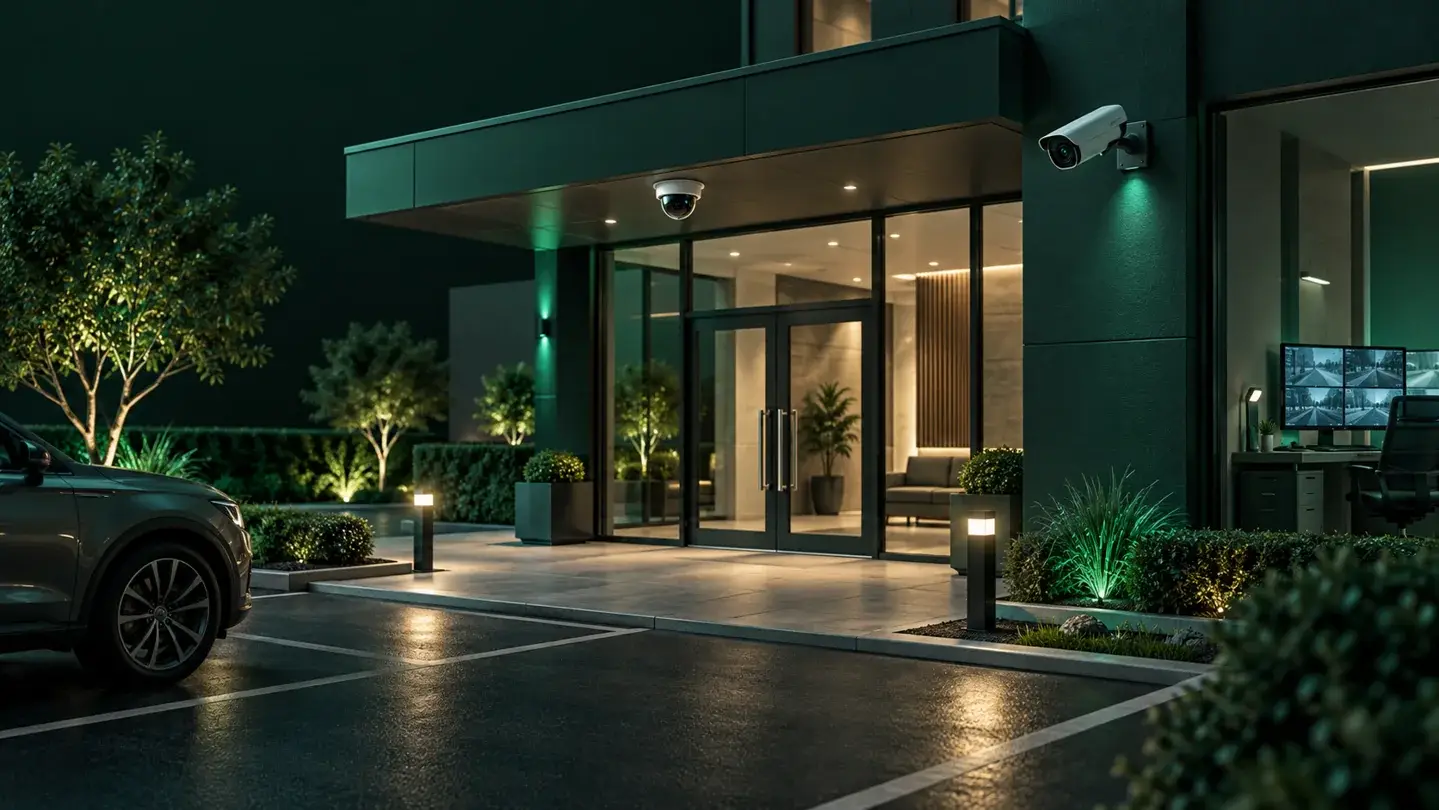
A clear planning checklist keeps a commercial camera project organized, from defining what each camera needs to show through confirming who owns the system after installation. MSP Pro Tech plans and installs commercial video surveillance on site for businesses across Greater Houston, with remote support available where feasible. Working through the steps below helps a business scope a system around its actual risks and operations rather than guesswork.
Key Takeaways
- A written checklist keeps camera views, network capacity, retention, and access decisions aligned with what the business actually needs to see.
- A site survey documents lighting, obstructions, and mounting points, including any known coverage limits, before equipment is ordered.
- Recording retention, storage capacity, and export needs should be sized to the business rather than assumed as a fixed standard.
- Defined viewing, administration, and export roles, along with secure remote access, keep footage control limited to authorized staff.
- Handover documentation and a clear maintenance owner confirm how the system is supported once installation is complete.
Define What Each Camera Needs to Show
Before any equipment is selected, a business should define the specific activity each planned camera must help staff see: a clear view of a cash drawer, a loading dock, a parking lot entrance, or a hallway intersection. This step shapes every later decision, from camera type and lens to mounting height and resolution.
A documented list of views also sets realistic expectations. A camera can record a scene and support a later review, but it does not guarantee that an incident will be prevented or that a person caught on camera will be identified; distance, lighting, image quality, and how footage is reviewed afterward all affect what is usable. Treating cameras as a tool for awareness and evidence, rather than a promise of crime prevention, keeps the rest of the checklist grounded. A security camera installation scoped around these specific views tends to serve a business better than one sized around a generic camera count.
Survey Lighting, Obstructions, and Mounting Points
A site survey walks the property to check the conditions each camera will actually operate in: available light at different times of day, physical obstructions such as signage, shelving, or foliage, and whether a proposed mounting point gives a stable, usable view.
Because lighting changes between day and night, the survey should include a day and a night acceptance check at each planned location to confirm the camera produces a usable image under both conditions. Where a location still leaves a partial view, a blind spot, or a distance limit after adjustments, that limitation should be written down rather than assumed away. A coverage map with known limits noted gives the business an honest picture of what the system will, and will not, show.
Agree Recording, Retention, and Export Needs
Recording settings should match how the business actually plans to use footage, not a one-size-fits-all default. Decide, per camera or per zone: continuous recording or motion-triggered, the resolution needed for the activity being watched, and how long footage needs to stay available before it is overwritten.
Retention length depends on available storage capacity, camera count, the resolution chosen, recording bitrate, frame rate, compression, and the recording schedule; it is not a fixed number of days that applies to every installation. No storage system can guarantee that footage will always be recoverable after a drive failure, a network outage, or an export error, so it is worth agreeing in advance how footage is backed up and exported, and who checks that recordings are actually being captured. Audio recording raises separate consent and notice considerations and should only be enabled where the business has confirmed it is appropriate for a specific area, not switched on by default across every camera.
Define Access Roles and Secure Remote Access
Once cameras are recording, the business needs to decide who can view live footage, who can review recordings, who can change system settings, and who can export clips. Keeping these roles distinct, and limiting export and administrative access to a small group, reduces the chance of footage being mishandled or settings being changed without the business’s knowledge.
Remote access to cameras and recordings should go through encrypted connections with unique credentials for each authorized user, not a single shared login. Network-connected cameras and recorders need controlled administration, protected data and an update plan; public internet exposure is not a prerequisite for recording. Remote viewing should be designed around authorized access. The NIST IoT device cybersecurity requirement catalog offers general technical guidance on these kinds of device capabilities; it is a useful reference for the categories of protection worth asking about, not a certification of any specific installer’s service.
Plan Network Capacity, Power, and Cable Pathways
Video traffic is bandwidth-intensive, and a network sized for email and web browsing will not necessarily handle a bank of HD cameras recording continuously. Planning should confirm available bandwidth, switch capacity, and whether Power over Ethernet can run cameras without a separate power drop at each location.
Cable pathways need to be mapped before installation day: where cable will run, whether it passes through shared or leased space, and whether property management or a landlord needs to approve conduit, drilling, or roof access. A network services review and properly planned structured cabling reduce the chance of a camera system competing with other business applications for bandwidth, or cabling needing to be redone after installation.
Confirm Handover Documentation and Maintenance Ownership
Before a project closes out, the business and installer should walk through the finished system together: confirm each camera’s live view matches the planned coverage, test that recorded footage actually plays back and exports in the format the business needs, and review the documented coverage map and any known limits one more time.
Handover should include written documentation: camera locations, network and storage configuration, account ownership and a secure credential-handover process, and retention settings. Sensitive access information should be transferred through an agreed secure method rather than placed in an ordinary document. It should also name who owns ongoing maintenance, firmware updates, and troubleshooting once the installer leaves, whether that is internal IT staff, an outsourced provider, or a defined support agreement, so the system doesn’t go unmonitored after installation.
Information to Prepare Before Requesting a Site Assessment
A scoped, on-site assessment moves faster when a business arrives with a few basics already gathered:
- The property address and a rough floor plan or sketch of entrances, loading areas, and zones of concern.
- A list of what each camera needs to help staff see, such as cash handling, entrances, parking, or inventory areas.
- Current network details: existing switches, available bandwidth, and whether cabling already runs to the proposed camera locations.
- Any existing cameras or recording equipment that will stay in place.
- Who will need to view footage, administer the system, or export clips once it is live.
Discuss Your Camera Project
Discuss your camera project with MSP Pro Tech. We deliver scoped, on-site security camera installations for businesses across Greater Houston, with remote support available where feasible. Call +1 (713) 325-0836 to schedule a site assessment.