Restaurant and Coffee Shop Wi-Fi: Keep Guests Off Your Registers
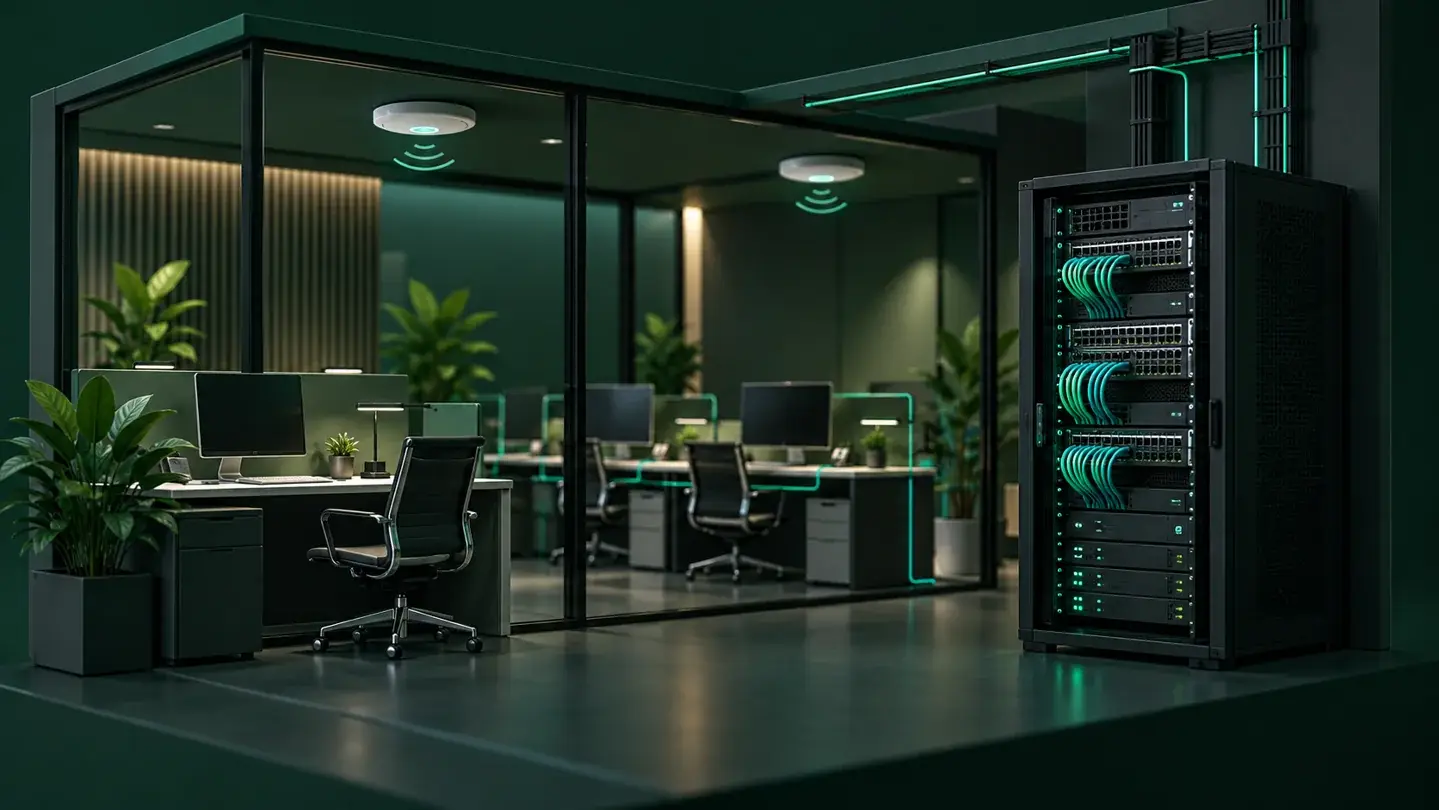
Free Wi-Fi brings customers in. But in many restaurants and coffee shops, the guest Wi-Fi, the registers, the card terminals, the kitchen printers and the owner's laptop all share one consumer router. That is slow on a busy Saturday and risky for card payments.
Here is how we set up Wi-Fi for Houston restaurants, cafés and retail stores so guests stay happy and the business stays protected.
1. Put Guests on Their Own Network
Guest Wi-Fi should be completely separate from anything that runs the business. Guests should reach the internet and nothing else: not the registers, not the cameras, not the office PC, and not each other's devices.
2. Give Payments and Point of Sale a Protected Lane
Registers, card terminals, kitchen display screens, printers and online-order tablets belong on their own network segment with only the access they need. The card industry's PCI Data Security Standard expects networks that handle card data to be protected and separated from untrusted traffic, and a shared guest network works against that. Your payment processor can tell you exactly what your merchant agreement requires.
3. Set Fair Limits
- Use per-guest speed limits so one person streaming video does not slow down everyone else, or your online orders.
- Add session time limits if laptop campers are an issue.
- An optional login page with your logo, terms and a link to your menu or loyalty program.
4. Place Access Points for the Real Floor Plan
Kitchens, walk-in coolers, brick walls and patios all block Wi-Fi. Commercial access points mounted on the ceiling and wired with proper network cabling beat a single router on a shelf. Plan coverage for dining rooms, patios, drive-thru windows and the back office.
5. Use Business-Grade Equipment You Can See Remotely
A business-grade platform lets us check the network remotely, push updates and spot a failing device before it takes down the registers. Many owners also run their security cameras and door access on the same platform, so every location is visible from one app.
6. Change the Defaults
Change default admin passwords on routers and access points, keep firmware updated, and do not print the business network password on the menu board. Only the guest network password, if any, should be public.
7. Have a Plan for When the Internet Drops
For busy locations, a backup internet connection (for example a cellular failover) keeps card payments and online orders running if the main line goes down. Ask your point-of-sale provider whether terminals can run offline and for how long.
Sources
- PCI Security Standards Council: pcisecuritystandards.org
- More on business Wi-Fi: Business Wi-Fi Problems: Coverage, Capacity and Guest Access
Get a Restaurant or Retail Wi-Fi Quote
MSP Pro Tech designs and installs guest Wi-Fi and business networks, cameras and access control for restaurants, coffee shops and retail stores across Greater Houston, from our Stafford office. No monthly contract is required for installs. If you want us to keep an eye on things afterward, add an optional monthly Wi-Fi and camera monitoring plan: we watch for offline access points and cameras, keep firmware updated and help when something drops. For one-off help, On-Demand IT Support is there when you need it.
Request a quote or call (713) 325-0836.